
App Shell
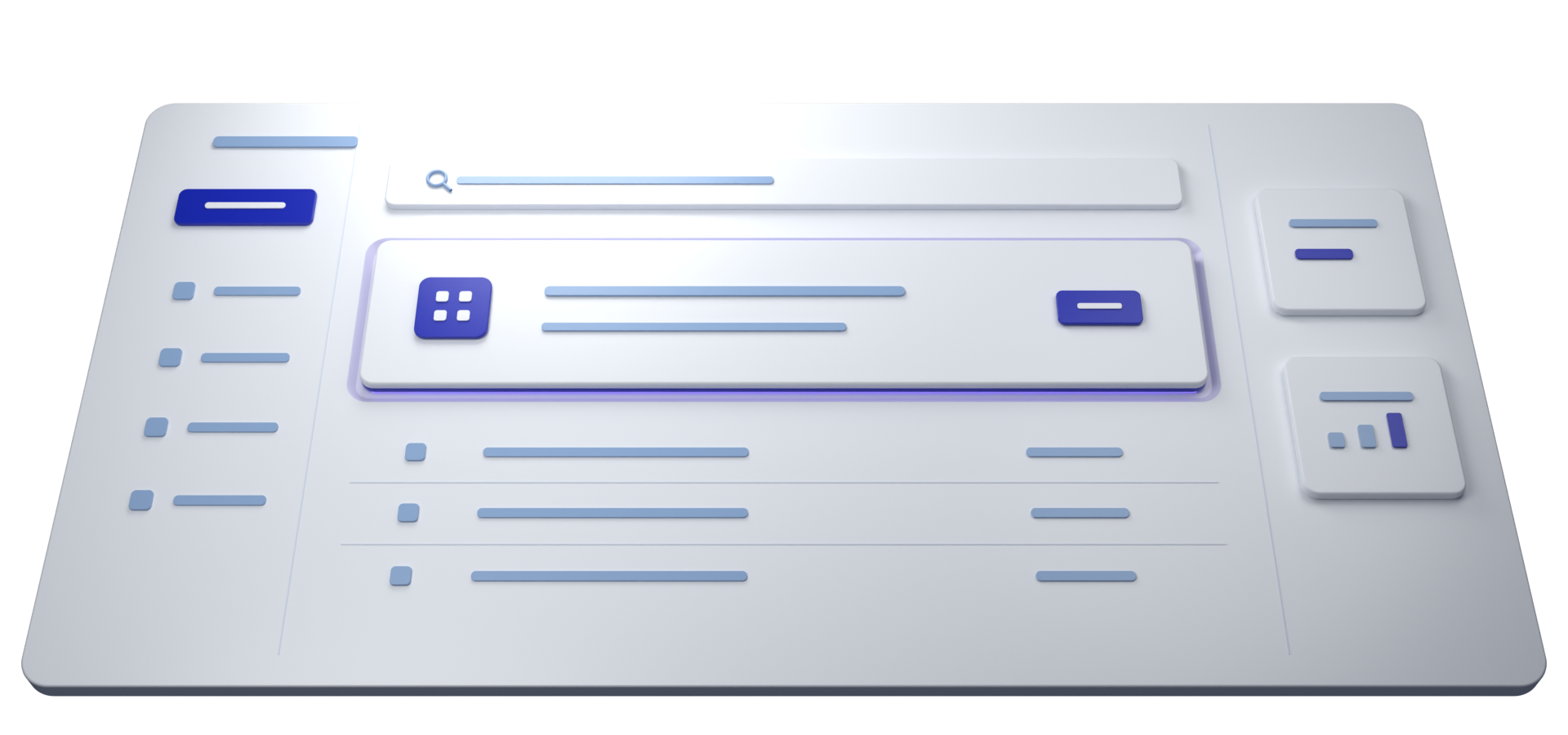
Navigation and routing, ready for your application.
Explore the ShellFrontX is an open-source development kit for complex web interfaces, designed for AI-assisted coding.
Navigation and routing, ready for your application.
Explore the ShellA starting point for screens that connect to your application.
Explore screen templatesReusable controls and design rules for people and coding agents.
Explore Design GuardrailsThe Shell hosts your screens. Reuse UI components across them, and apply shared design rules while you build.
Give your agent a focused task, then review the file and the result.
“Rename the Blank Home screen to Project overview. Keep the existing navigation and shared components.”
"title": "Blank Home""title": "Project overview"A shared vocabulary for your interfaces. Explore the components, then use them in your application.
Explore UI KitAI helps you code in both cases. The difference is what you start with.
12 → 7 hours to the first screen. Start with Shell and screen templates instead of assembling the application structure.
Half as many corrections per change: 8 → 4. UI Kit components and Design Guardrails give developers and AI agents shared conventions.
Use shared conventions as a basis for review. Your team still defines and runs the checks.




Install the templates, run Shell + MFE and make your first change.
See the example first